GitHub Integration
Thunder integrates with GitHub to enable seamless CI/CD pipeline deployment to your AWS account. The platform handles GitHub integration through three core workflows.
Thunder GitHub App
The first step is to install the Thunder GitHub App on your GitHub account or organization.
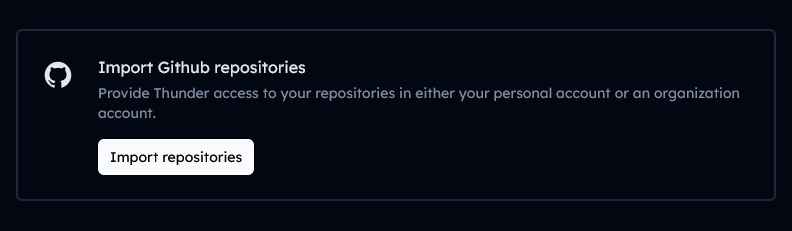
Click the “Import Repositories” button in Thunder. This will redirect you to the GitHub App installation flow where you can authorize Thunder to access your repositories.
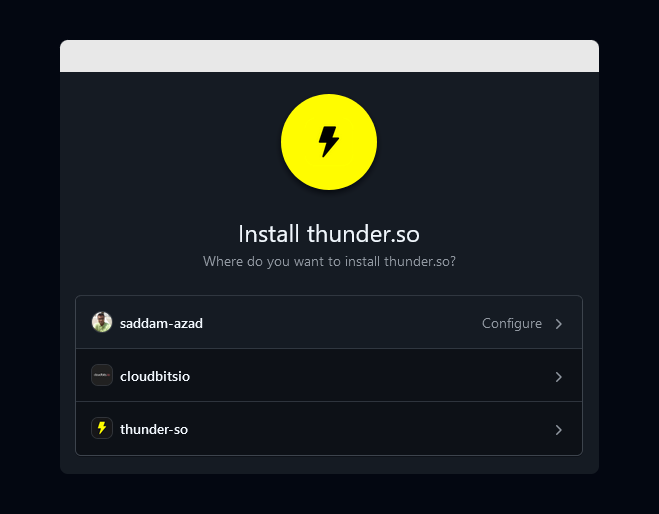
Follow the on-screen instructions to complete the installation. After successful installation, you will be automatically redirected back to Thunder and can begin importing repositories.
Related: GitHub App documentation | Thunder GitHub App
Permissions
Thunder supports installing the app on both personal and organization GitHub accounts, with granular control over which repositories the app can access.
Account Types
- Personal Account: Install on your personal GitHub account to manage repositories you own.
- Organization Account: Install on an organization account to manage repositories shared across your team.
Configuring Repository Access
When installing the app, you can choose to grant access to:
- All repositories (current and future)
- Selected repositories only
You can update these permissions at any time through your GitHub account settings.
Related: Managing GitHub App installations | Organization app permissions
User Access Token
Thunder uses GitHub’s OAuth flow to generate a personal access token for CI/CD pipeline configuration on your AWS account.
During the OAuth flow, GitHub returns an authorization code. Thunder exchanges this code with GitHub’s API to generate a secure access token. This token is then used to configure your CI/CD pipelines, enabling Thunder to automatically deploy your application to AWS when you push code changes.
The OAuth Flow
- You are prompted to authorize Thunder with your GitHub account
- GitHub generates an authorization code
- Thunder exchanges this code for a personal access token
- The token is securely stored and used to configure AWS CI/CD pipelines
Related: GitHub OAuth documentation | AWS CodePipeline integration